Scale to Grams
Count Coins and Loose Change Quickly
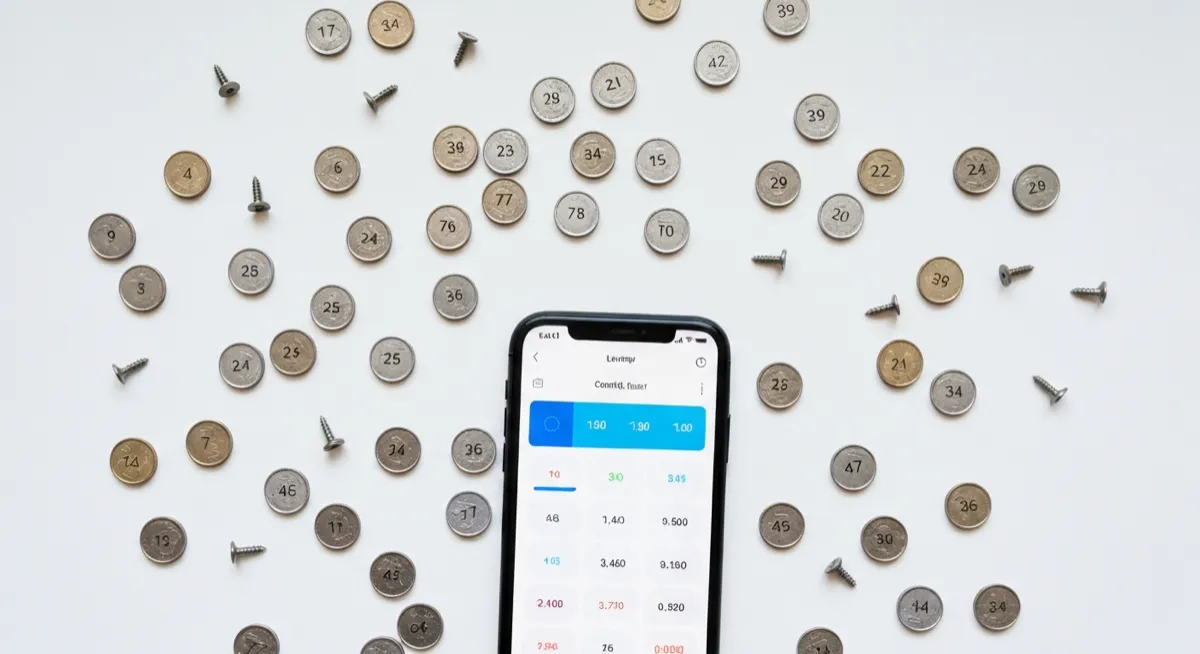
Sorting and counting a jar of loose change can take a long time by hand. Our AI coin counter speeds up the process by detecting and counting every visible coin in your photo. Spread your coins on a flat surface, take a photo, and get a count broken down by coin type.
Great for Coin Collections
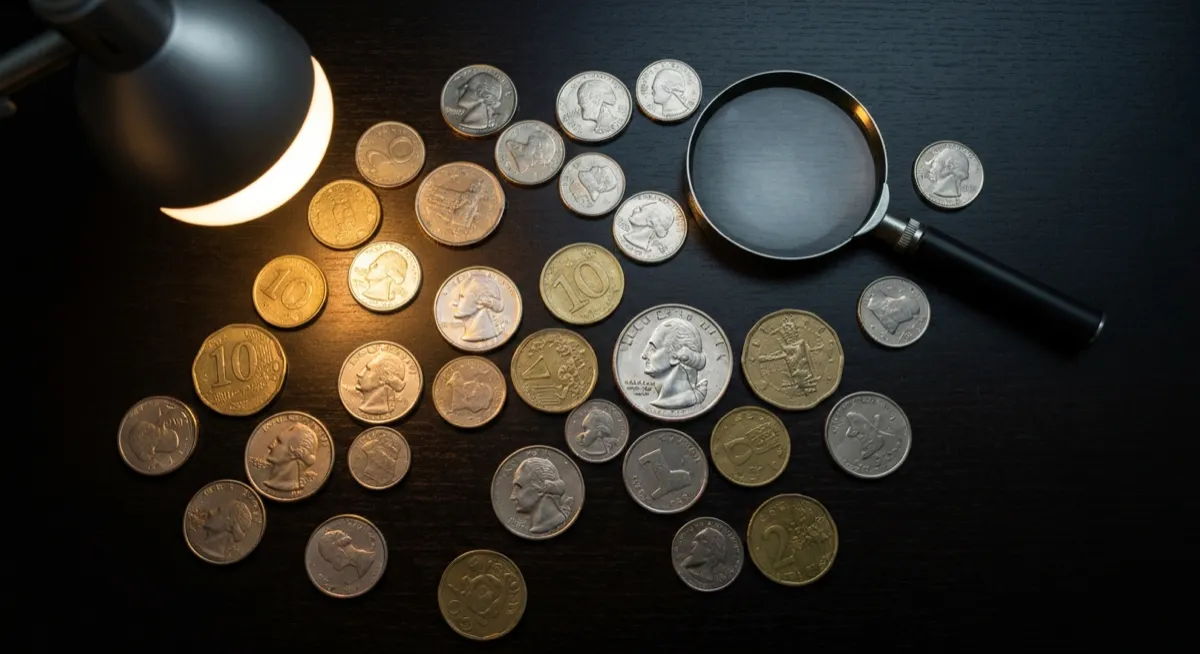
Coin collectors can use this tool to quickly count and catalog their collection. Whether you are organizing a set of commemorative coins, sorting through inherited collections, or keeping track of your holdings, a quick photo count saves time and reduces the chance of miscounting.
How to Get the Best Coin Count
For the most accurate results, spread coins flat on a surface without stacking or overlapping them. Use a contrasting background, such as a dark cloth for silver coins or a white surface for copper coins. Good overhead lighting without harsh shadows helps the AI detect every coin edge clearly.