Scale to Grams
How to Count Objects from a Photo: AI Counting Guide
Quick Answer
Spread objects in a single layer on a contrasting background, photograph from directly above, and an AI counter returns the count in 2-3 seconds with 95%+ accuracy on well-separated items.
Try the Object CounterAccuracy (well-separated)
95%+
single layer, no overlap
Time per count
~3 sec
one photo
Max practical count
~500
per photo, batch larger sets
How AI Object Counting Works
The AI scans the image, identifies the target object type, draws a bounding box around each instance (even when objects touch), and returns the total. Modern models handle hundreds of objects in one frame with 95%+ accuracy on clean photos.
Counting Accuracy by Setup
How you arrange the objects matters more than how many you count.
| Scene | Accuracy | Notes |
|---|---|---|
| Single layer, contrasting bg | 97-99% | Ideal setup |
| Slightly touching objects | 92-96% | Watch for merges |
| Heavily overlapping | 70-85% | Spread them out |
| Stacked / piled | 50-70% | Spread flat first |
| Same-color background | 75-85% | Use a contrast mat |
| Transparent / glass items | 70-85% | Use dark background |
Photography Tips
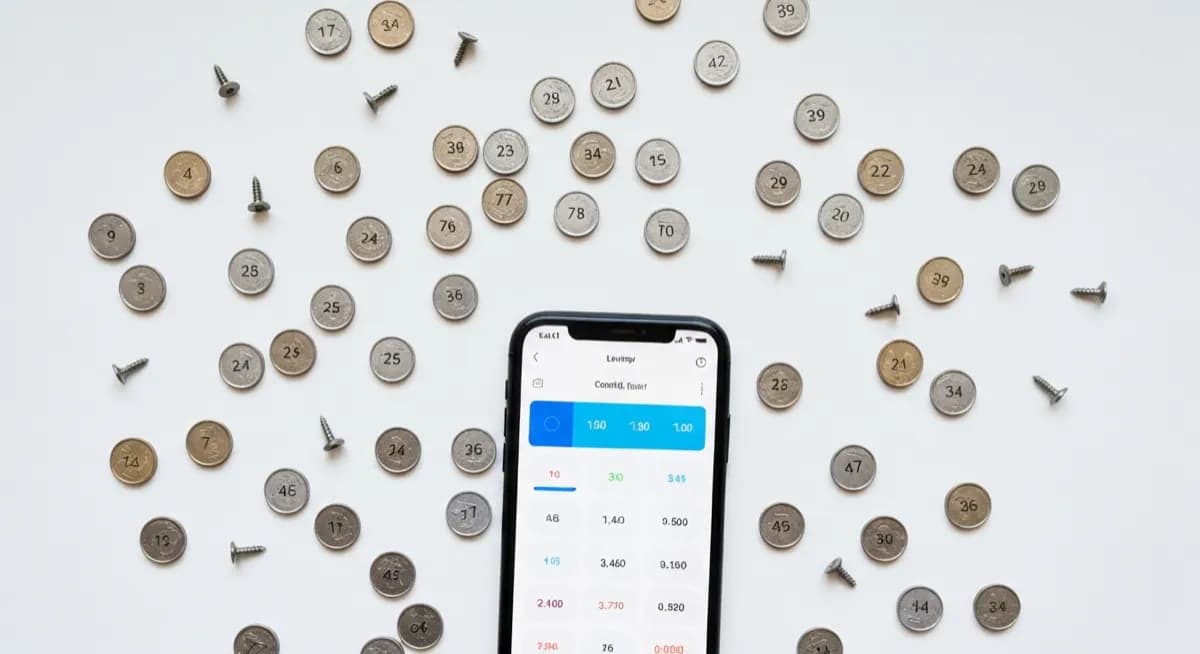
Single layer, no overlap. White objects on dark surface or dark on white. Even diffused light, no harsh shadows. Shoot straight down. Batch large counts into groups of 50-100 per photo for best accuracy.
Best Use Cases
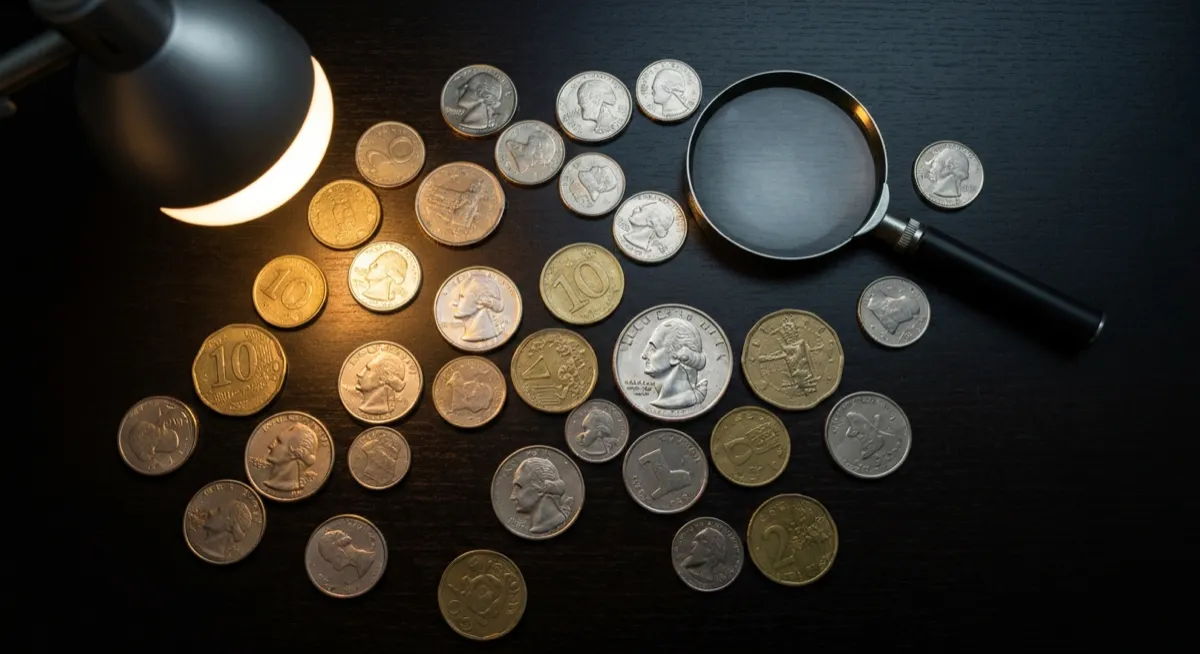
Pharmacy pill counts, warehouse small-parts inventory (screws, bolts, electronic components), coin counting, seed and seedling counts in agriculture, science classroom experiments, and event planning (chairs, place settings).
Limitations
Stacked or piled objects undercount badly. Items smaller than ~20 pixels in the image get missed. Reflective and transparent items confuse the model. For medical dosing or any critical use, always verify manually after the AI pass.
Frequently Asked Questions
How accurate is AI object counting from a photo?+
For well-separated objects in a single layer with a contrasting background, AI counters hit 95-99% accuracy. Overlapping or piled objects drop accuracy to 70-85%.
Can AI count pills from a photo?+
Yes. Spread pills in a single layer on a dark surface and an AI pill counter returns the count in seconds with 97%+ accuracy. For prescription dispensing, verify manually.
How many objects can I count in one photo?+
Modern AI counters handle 500-1000 objects in a single high-resolution photo. For larger quantities, split into batches of 100-200 per photo and add the totals.
Can I count coins from a photo?+
Yes, dedicated coin counters like the Scale to Grams Coin Counter both count and identify denominations to give you a dollar total. Spread coins flat without overlap for best results.
Why is AI counting wrong on my photo?+
The most common reason is overlap or shadows being read as objects. Also check that all objects are in focus and the background contrasts with the items.
Is photo counting legal for inventory or auditing?+
For internal inventory and stock checks, yes. For regulated counts (pharmacy dispensing, financial audits), AI is allowed as a first pass but a human must verify the final count.
Try These Tools
Put what you learned into practice with our free AI tools: