Scale to Grams
Count Hundreds of Objects in Seconds
Manually counting large quantities of items is tedious and error-prone. Our AI object counter analyzes your photo and detects every visible item, providing an accurate count in seconds. It is ideal for inventory checks, collections, bulk items, and any situation where you need a fast, reliable count.
Automatic Detection and Categorization
The AI does not just count total objects. It identifies different types of items in the photo and provides a breakdown by category. For example, a photo of mixed fruit will show separate counts for apples, oranges, and bananas, along with the total count of all items.
Best Practices for Accurate Object Counting
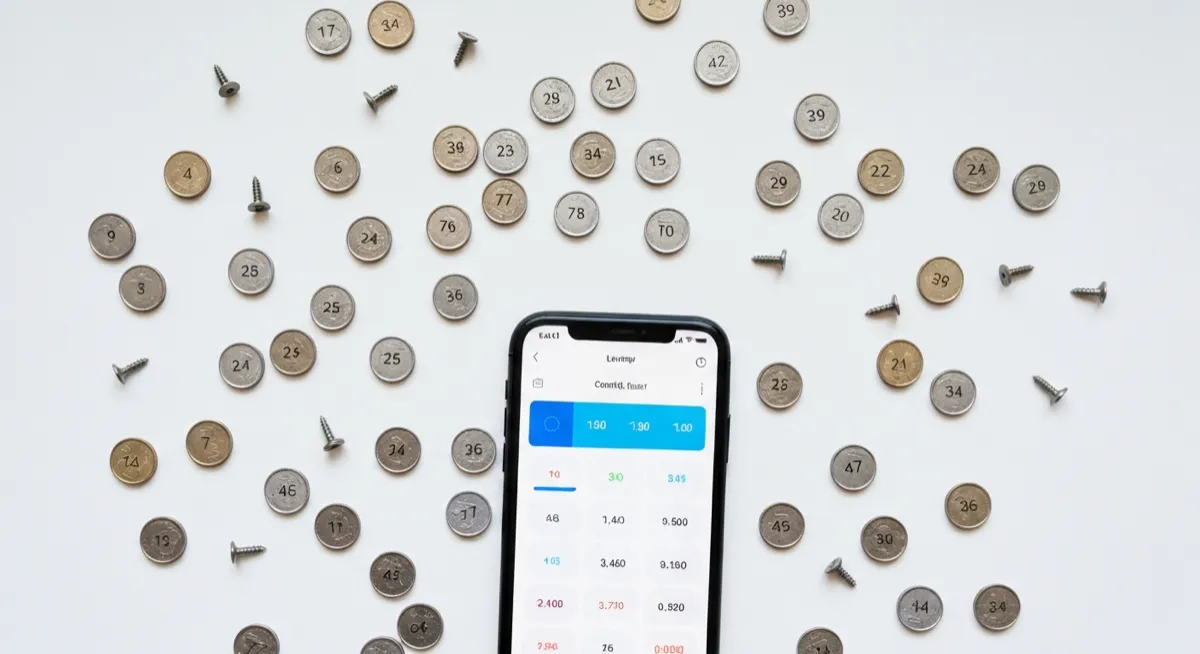
For the highest counting accuracy, spread objects out on a flat surface without overlapping. Use a contrasting background color and ensure good lighting across the entire area. High-resolution photos work best for large quantities, as they allow the AI to detect even the smallest items clearly.