Scale to Grams
Find Out Your TV or Monitor Size
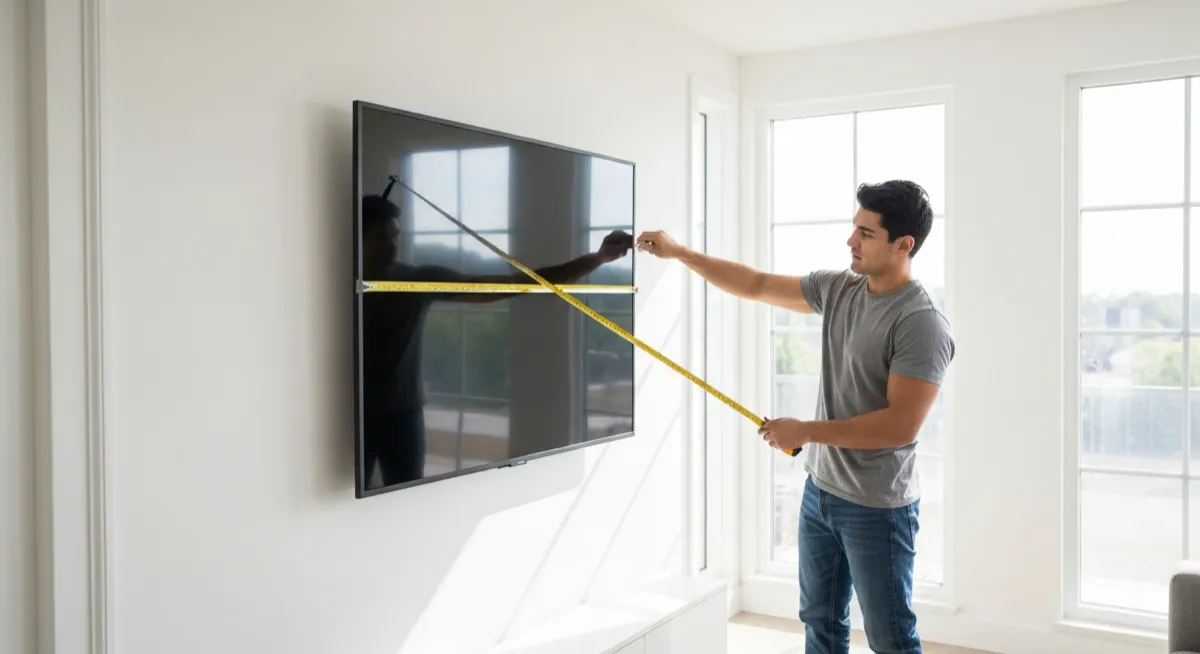
TV and monitor sizes are measured by their diagonal screen dimension in inches. If the model number sticker has worn off or you are viewing a TV at someone else's home, our AI measurement tool estimates the screen size from a photo. Just photograph the full TV and get an estimated diagonal measurement.
Helpful for Wall Mounting and Furniture Planning
Knowing your TV size is essential for choosing the right wall mount bracket, entertainment center, or mounting height. Our tool gives you a quick size estimate so you can shop for compatible accessories or plan your living room layout around the correct TV dimensions.
Works with TVs, Monitors, Laptops, and Tablets
This tool is not limited to televisions. It estimates the screen size of computer monitors, laptop displays, and tablets as well. For the most accurate measurement, include a common reference object in the photo such as a remote control, book, or person standing near the screen.