Scale to Grams
How to Translate Signs and Menus from a Photo While Traveling
Quick Answer
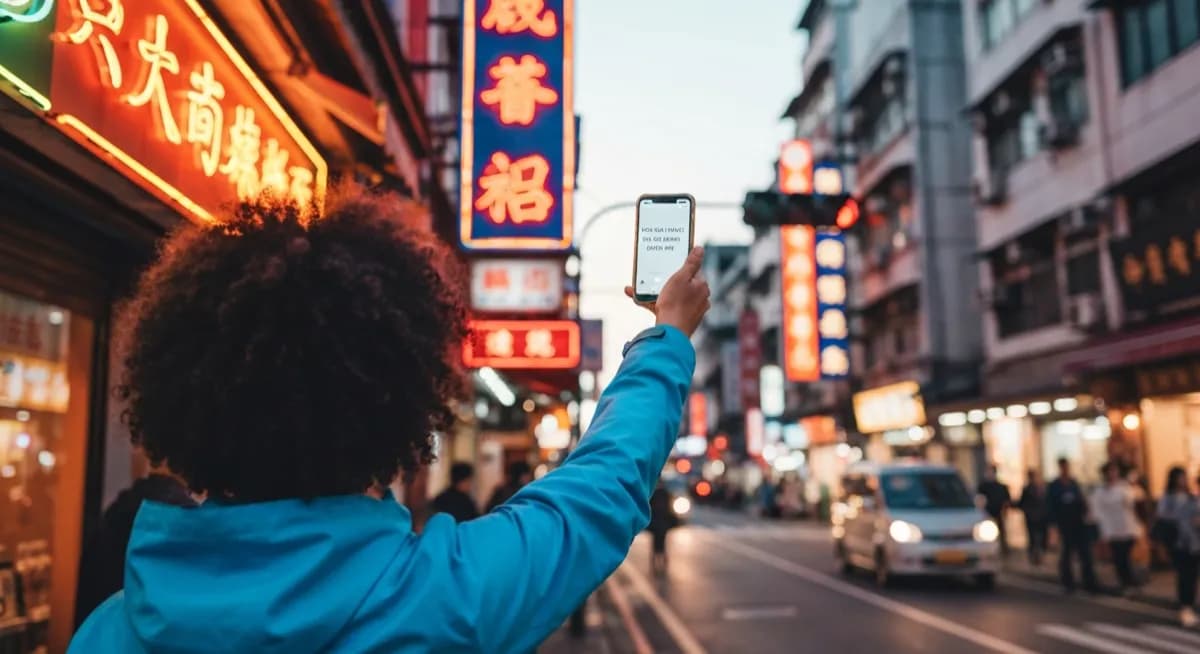
Open a photo translator, snap a clear straight-on shot, and English appears in 2-3 seconds. Modern tools handle 100+ languages including non-Latin scripts you cannot even type.
Try the Sign TranslatorLanguages supported
100+
top tools
Time per snap
~3 sec
no typing required
Printed text accuracy
95%+
good lighting
How AI Photo Translation Works
Two AI steps run in series. OCR converts pixels to characters, handling printed text, handwriting, stylized fonts, and text at angles. Then neural machine translation converts the extracted text to your language while preserving structure (a translated menu still looks like a menu).
OCR Accuracy by Source
Photo translation accuracy depends mostly on the source surface and lighting.
| Source | OCR accuracy | Tip |
|---|---|---|
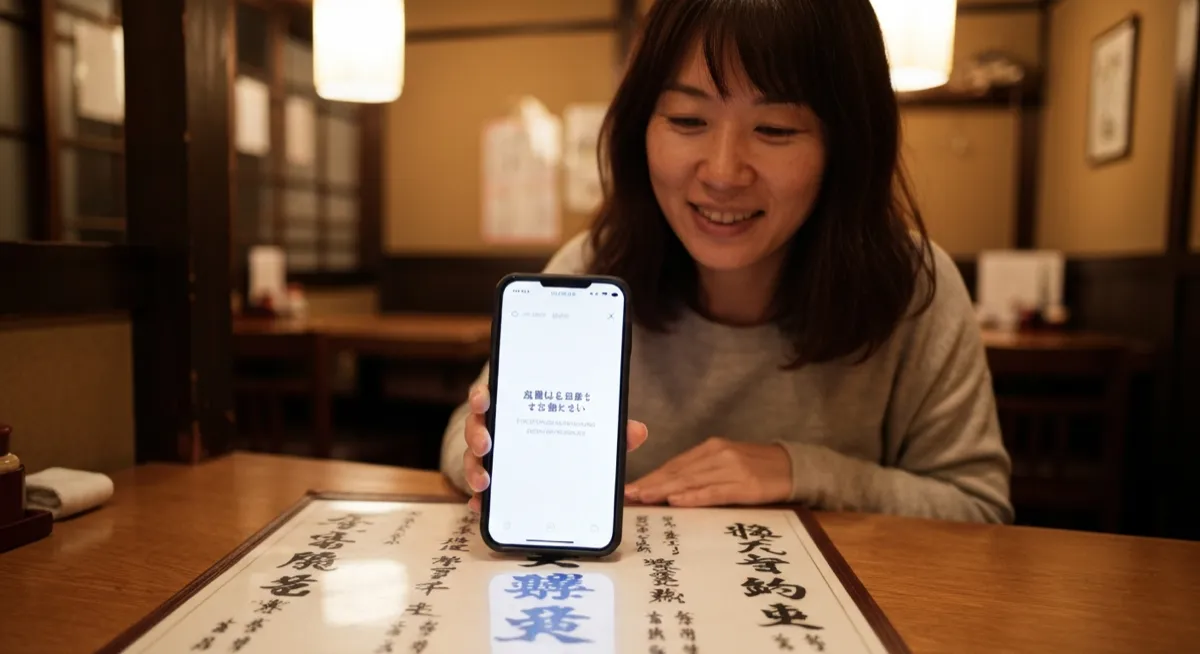
| Printed menu / book | 95-99% | One section at a time |
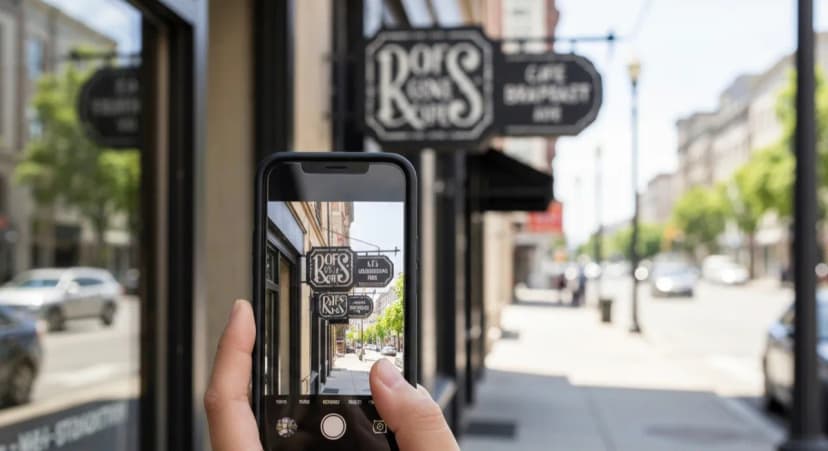
| Street sign (clear) | 92-98% | Straight-on, no glare |
| Handwritten chalkboard | 70-85% | Get close, square up |
| Stylized restaurant logo | 60-80% | Multiple shots help |
| Backlit screen | 60-80% | Reduce reflection |
| Faded receipt | 70-85% | Increase brightness |
Photography Tips
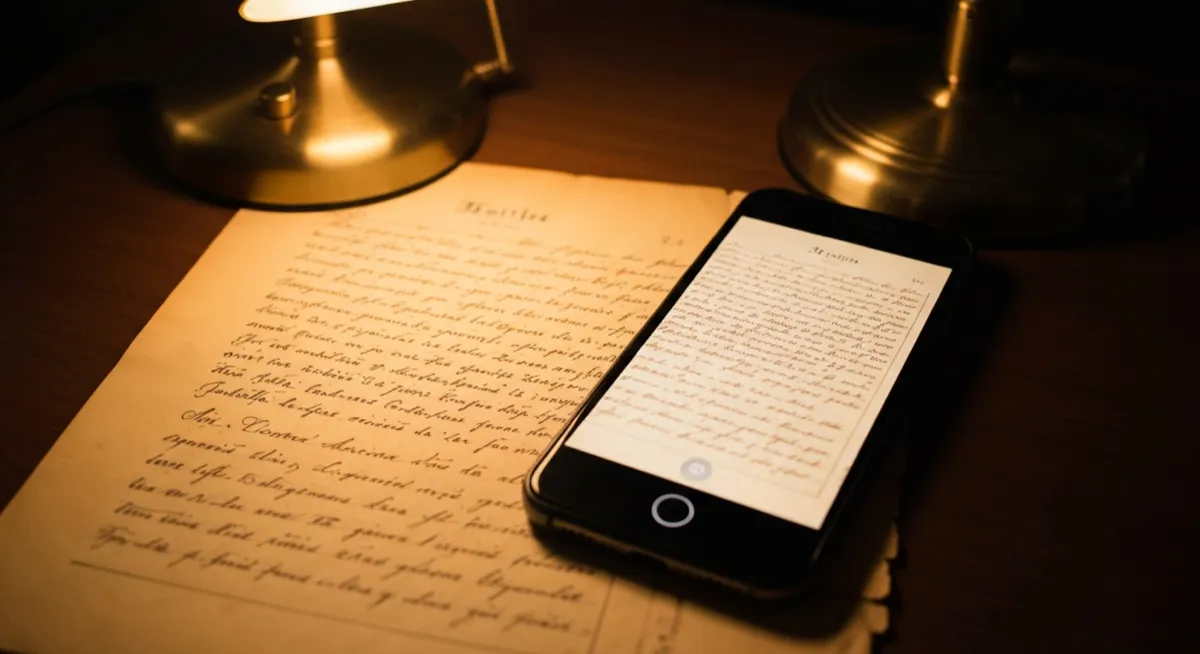
Shoot text straight on, well lit, in focus. Flatten curled menu pages. Avoid shadows. Photograph one section at a time for long documents. For handwritten text, capture the full line without cutting off edge words.
Language-Specific Notes
Japanese mixes kanji, hiragana, katakana. Chinese has Simplified (mainland) and Traditional (Taiwan, Hong Kong). Korean Hangul is the easiest for OCR. Arabic and Hebrew read right-to-left. Thai has no spaces between words. Modern AI handles all of these.
Best Travel Use Cases
Menus are the highest-impact use. Street signs for navigation. Medicine and ingredient labels for allergies. Museum plaques. Supermarket products. Receipts and bills to verify charges. All in 2-3 seconds per snap.
Frequently Asked Questions
What is the best app to translate signs and menus from a photo?+
Top options are Scale to Grams Photo Translator, Google Translate camera mode, Apple Translate, and DeepL. Google Lens is fastest, dedicated tools give better culinary or signage context.
Can I translate a photo without internet?+
Yes. Google Translate and Apple Translate let you download language packs for offline camera mode. Quality is slightly lower than online but works on planes and in remote areas.
How accurate is AI photo translation?+
For clear printed text, modern AI hits 95-99% OCR accuracy plus near-native translation. Handwritten or stylized text drops to 70-85%, and translation polish depends on the language pair.
Will a photo translator work on Japanese kanji?+
Yes. Modern translators handle kanji, hiragana, and katakana including vertical text layouts at 90-95% accuracy on printed sources.
Can I translate an entire document by photo?+
Yes, but split it into one page at a time. Multi-page batch upload is supported by Google Translate, DeepL, and many dedicated tools.
Is photo translation free?+
Yes, Google Translate, Apple Translate, and Scale to Grams Photo Translator are all completely free with no usage caps for normal travel use.
Try These Tools
Put what you learned into practice with our free AI tools: