Scale to Grams
How to Translate a Restaurant Menu in a Foreign Country
Quick Answer
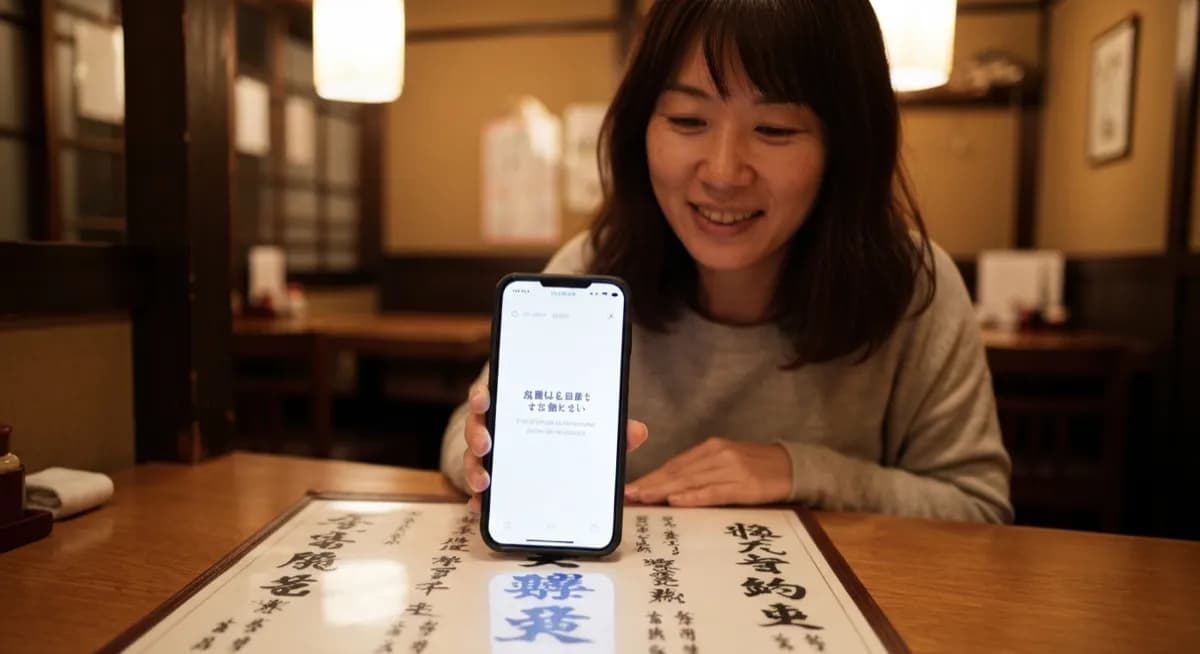
Open a photo translator app, snap a clear photo of one section of the menu, and English appears in 2-3 seconds. Modern tools handle 100+ languages including Japanese, Chinese, Korean, Arabic, and Thai.
Try the Menu TranslatorLanguages supported
100+
top photo translators
Time per page
~3 sec
one snap
OCR accuracy
95%+
on printed menus
How Photo Menu Translation Works
Two AI steps run in series. OCR extracts text from your photo, even from stylized fonts, handwritten chalkboards, and vertical Japanese script. Then neural machine translation converts it to English with culinary context. So "okonomiyaki" becomes "Japanese savory pancake with cabbage" instead of a literal kanji-by-kanji guess.
Tips for Best Results
Hold steady and focus before shooting. Photograph one section at a time, not the whole menu. Use the flashlight in dim restaurants. For menus behind glass, shoot at an angle to avoid reflection. Handwritten chalkboards need close-up shots, ideally straight on.
| Menu type | OCR accuracy | Tip |
|---|---|---|
| Printed menu (clear font) | 95-99% | Shoot one column at a time |
| Stylized / decorative font | 85-92% | Get closer, even lighting |
| Chalkboard / handwritten | 70-85% | Straight-on, no glare |
| Backlit digital screen | 60-80% | Reduce screen glare |
| Faded or stained menu | 50-75% | Multiple shots help |
Language-Specific Notes
Japanese menus mix kanji, hiragana, katakana plus English loanwords. Chinese menus differ between Simplified (mainland) and Traditional (Taiwan, Hong Kong). Korean Hangul reads cleanly. Arabic reads right-to-left in connected script. Thai has no spaces. Modern AI handles all of these.
Dietary Restrictions and Allergies
Use translation to scan for allergens, but always carry a paper card in the local language explaining your allergy. Cooking oils, garnishes, and cross-contamination often are not on the menu at all. For severe allergies, treat photo translation as one safety layer among several.
Frequently Asked Questions
What is the best app to translate a menu by photo?+
Top options are Scale to Grams Menu Translator, Google Translate camera mode, Apple Translate, and DeepL. Google Lens is fastest for quick scans, dedicated tools give better culinary context.
Can I translate a menu without internet?+
Yes, Google Translate and Apple Translate let you download language packs for offline camera translation. Quality is slightly lower than online but works on planes and in remote areas.
How accurate are photo menu translators for Japanese?+
Modern AI translators handle Japanese menus at 90-95% accuracy on printed text. Vertical text and stylized restaurant fonts may need a sharper photo to hit that range.
Will photo translation work on handwritten chalkboard menus?+
Yes, but accuracy drops to about 70-85%. Get as close as possible, shoot straight on, and avoid glare from overhead lights. Take multiple photos if the first attempt misses words.
Can I translate a menu for food allergies?+
Yes, but always back it up with an allergy card written in the local language. Translation catches listed ingredients but misses cooking oils, garnishes, and cross-contamination.
Do menu translators work in countries with non-Latin scripts?+
Yes, modern AI handles Chinese, Japanese, Korean, Arabic, Hebrew, Thai, Cyrillic, Devanagari, and most other scripts with 90%+ accuracy on clear photos.
Try These Tools
Put what you learned into practice with our free AI tools: