Scale to Grams
Best Free Calorie Counter Apps in 2026: Photo vs Manual
Quick Answer
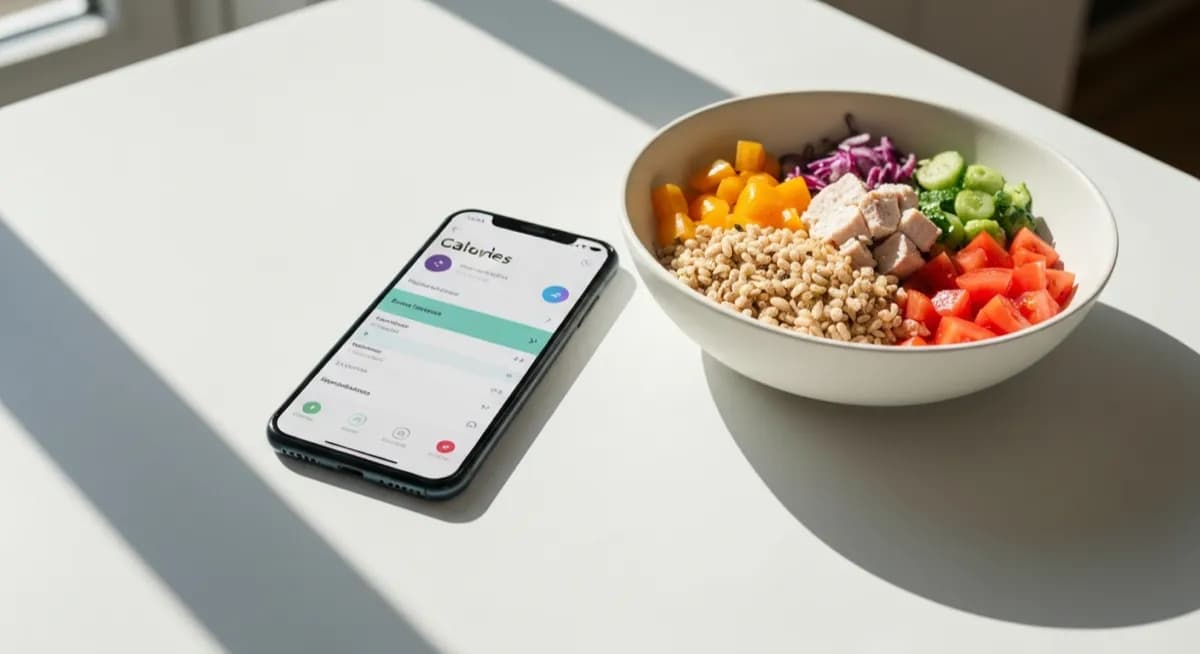
For 2026, the best free photo-based options are Scale to Grams and Bite AI. For manual logging, MyFitnessPal still has the largest food database. Photo apps cut logging from minutes to seconds, which is why they win on adherence.
Try Our Free Calorie CounterManual logging dropout
50-90%
within 2 weeks
Photo log time per meal
~3 sec
vs 3-5 min manual
AI accuracy
~75-85%
within 15-25% of true cal
Top Free Calorie Counter Apps Compared
The right app depends on your priority: speed (photo apps) vs precision (manual database) vs community (social apps).
| App | Type | Free tier | Best for |
|---|---|---|---|
| Scale to Grams | Photo AI | Yes, no signup | Fastest logging |
| Bite AI | Photo AI | Limited daily scans | Detailed macros |
| MyFitnessPal | Manual + barcode | Yes, ads | Largest food database |
| Lose It! | Manual + photo | Yes, basic | Weight loss focus |
| Cronometer | Manual | Yes, ads | Micronutrient tracking |
| Foodvisor | Photo AI | Limited free | Visual portion training |
Why Most People Quit Manual Logging
Manual logging takes 3-5 minutes per meal. Three meals plus snacks daily is 15-20 minutes of data entry, or 7-10 hours per month. Studies show 50-90% of users quit within two weeks. Photo logging cuts that to seconds, which solves the adherence problem even if accuracy is slightly lower.
How Photo Calorie Counters Work
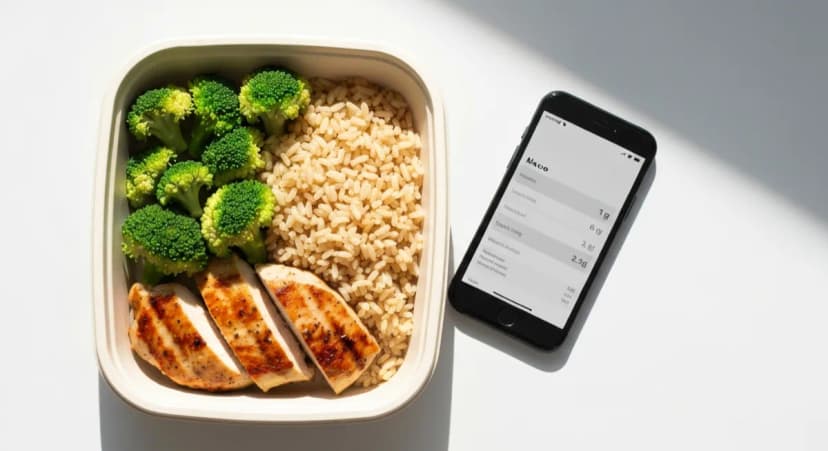
The AI identifies foods in the photo, estimates portion sizes from visual cues (plate size, food height), and multiplies by per-gram nutrition data. The whole process takes 2-5 seconds and returns calories plus protein, carbs, and fat.
Accuracy: Photo vs Manual
Manual logging is 10-20% accurate when done carefully, but most users underestimate portions by 20-50% because they eyeball quantities. AI photo logging is 15-25% accurate for common foods, with worse results on mixed dishes and hidden oils. In real-world use the two methods come out about even.
Tips for Better Tracking
Track consistently for at least 5 days to get a baseline. Do not forget liquid calories (coffee drinks, smoothies, alcohol can hit 500-1000 cal). Cooking oils are the most-missed source: 1 tbsp olive oil = 120 cal and is invisible in a photo. Photograph before eating, not after.
Frequently Asked Questions
What is the most accurate calorie counter app?+
For pure database accuracy, MyFitnessPal and Cronometer have the largest verified food databases. For real-world accuracy with low friction, Scale to Grams and Bite AI photo counters land within 15-25% with one snap.
Is there a free calorie counter without a subscription?+
Yes. Scale to Grams is fully free with no signup. MyFitnessPal, Lose It!, and Cronometer offer free tiers with ads. Premium tiers add features like meal planning and ad removal for $5-10 per month.
Can AI calorie counters replace MyFitnessPal?+
For most people yes, because the time savings outweigh the small accuracy gap. Power users who weigh every ingredient may still prefer MyFitnessPal for its database depth and barcode scanner.
How do AI calorie counters handle restaurant food?+
AI estimates work for restaurant plates but tend to underestimate added oils and sauces by 10-20%. Add a buffer for fried, sauced, or buttered restaurant dishes.
Do calorie counter apps actually help with weight loss?+
Yes. Studies consistently show people who log food (by any method) lose roughly twice as much weight as those who do not. The accuracy of the log matters less than the consistency.
What is the easiest calorie counter for beginners?+
Photo-based counters like Scale to Grams have the lowest learning curve. You take a photo, confirm the foods, and the calories appear. No database searches, no portion guessing.
Try These Tools
Put what you learned into practice with our free AI tools: